





Want your products to appear in OpenAI Shopping Manager and other AI shopping experiences? GeekSeller offers custom feed submission and optimization services. Contact us to discuss available plans and pricing.
OpenAI is expanding access to its Ads Manager Beta, allowing businesses to upload product feeds and advertise products directly inside ChatGPT.
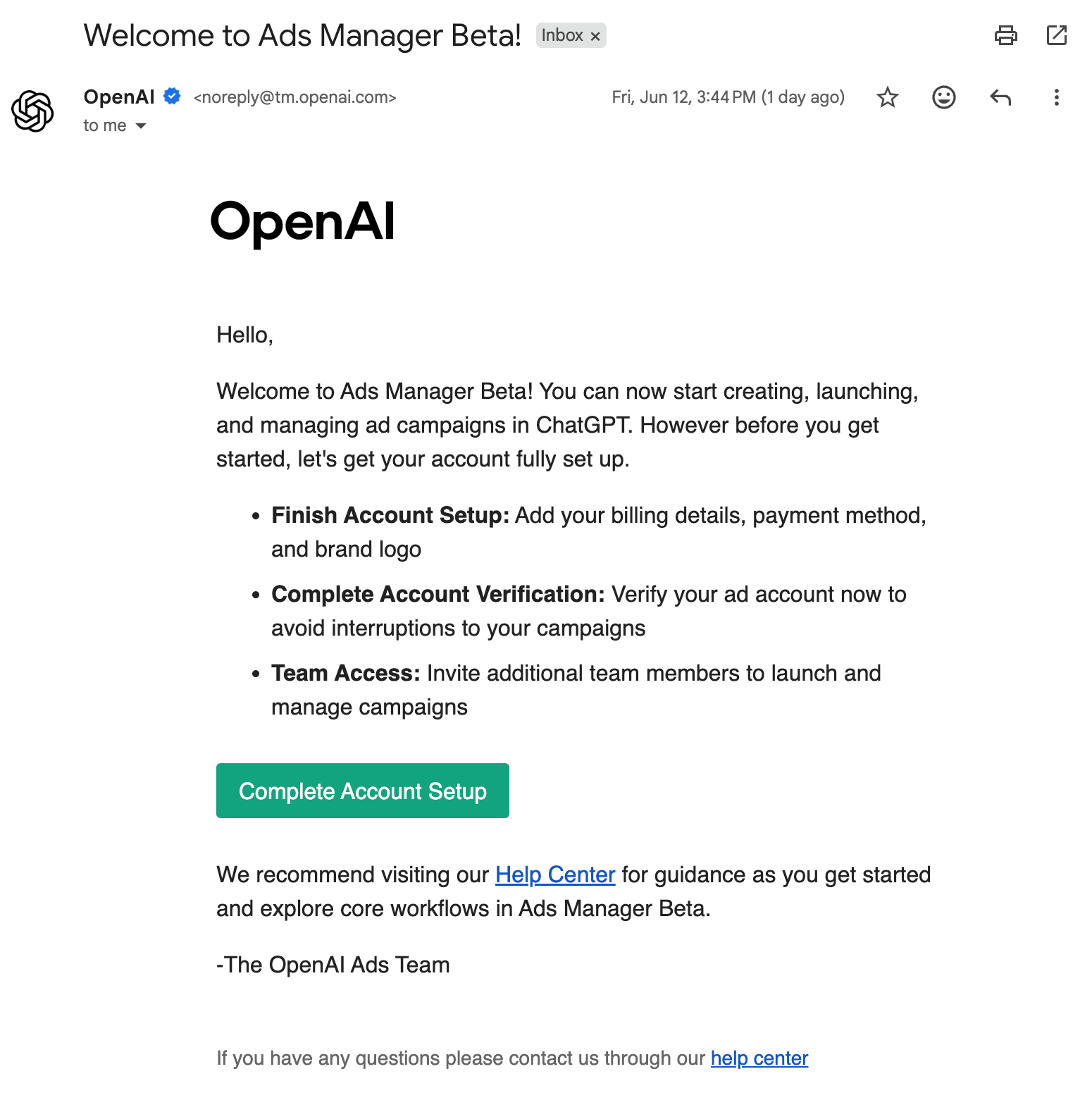
Based on recent onboarding emails and documentation, OpenAI is actively inviting merchants to create product feeds, launch campaigns, and manage advertising through the new Ads Manager platform. This means product-based advertising is becoming available to a much wider audience, not just a small group of early testers.
For eCommerce sellers, this creates a new opportunity to get products discovered through ChatGPT and future AI-powered shopping experiences.
OpenAI Product Ads Feed Requirements
If you’re planning to participate in OpenAI’s Product Ads beta, there are a few important requirements to keep in mind.
Unlike many advertising platforms, OpenAI does not currently provide an API for submitting products. Product catalogs must be uploaded via SFTP, and your feed must contain at least 1,000 products (up to a maximum of 2 million), making the program best suited for merchants with larger catalogs.
Your feed should include all required product attributes, including:
- Product title
- Description
- Price
- Availability (in stock/out of stock)
- Product page URL
- Product image URL
Images must be served from publicly accessible HTTPS URLs in JPEG or PNG format, and OpenAI must be able to fetch them successfully.
In addition, you’ll need to provide links to your website’s:
- Privacy Policy
- Terms of Service
- Return Policy
It’s also important to note that products submitted through the feed are currently used only for Product Ads during the beta period and will not appear in organic ChatGPT conversations. Ad titles and descriptions are pulled directly from your feed, so optimizing your product content is essential for achieving the best results.
OpenAI Product Feeds Are Easier Than Expected
One of the biggest surprises is how simple the product feed requirements. While OpenAI supports many optional attributes, a working feed can be created using a relatively small set of required fields.
Required Product Feed Fields
| item_id | Unique product identifier or SKU |
| is_eligible_search | Countries where the product can be sold |
| is_eligible_checkout | Allows Agentic Checkout functionality |
| title | Product title |
| description | Product description |
| url | Product page URL |
| image_url | Main product image |
| price | Product price with currency |
| availability | Inventory status |
| brand | Product brand |
| seller_name | Merchant name |
| seller_url | Merchant website |
| return_policy | URL to return policy |
| target_countries | Countries where product can be sold |
| store_country | Merchant’s primary country |
A simple feed record may look like this:
{
  "item_id": "SKU-1001",
  "is_eligible_search": true,
  "ai_eligible_checkout": false,
  "title": "Men's Running Shoes",
  "description": "Lightweight running shoes with breathable mesh upper.",
  "url": "https://example.com/products/running-shoes-black",
  "image_url": "https://example.com/image.jpg",
  "price": "79.99 USD",
  "availability": "in_stock",
  "brand": "DemoSport",
  "seller_name": "Demo Store",
  "seller_url": "https://example.com",
  "return_policy": "https://example.com/returns",
  "target_countries": ["US"],
  "store_country": "US"
}
Feed Upload Options
According to the documentation, OpenAI recommends uploading complete catalog snapshots and refreshing them regularly, ideally every day.
Supported file formats include:
- Parquet (preferred)
- JSONL.gz
- CSV.gz
- TSV.gz
Files must be UTF-8 encoded.
Agentic Checkout
One interesting field is:
"ai_eligible_checkout": trueHowever, most sellers will likely leave this value as:
"ai_eligible_checkout": falseTo enable checkout directly inside ChatGPT, merchants must implement OpenAI’s Agentic Checkout API.
Without the checkout integration, products should not be marked as eligible for AI checkout.
It’s also worth noting that many merchants may already be using eCommerce platforms that support Agentic Checkout, such as Shopify. If you’re selling through Shopify or another major commerce platform, you may already have access to the required functionality or be able to enable it with minimal effort. Check with your eCommerce platform provider for the latest availability and setup requirements.
OpenAI Advertising Costs
Based on current Ads Manager onboarding materials:
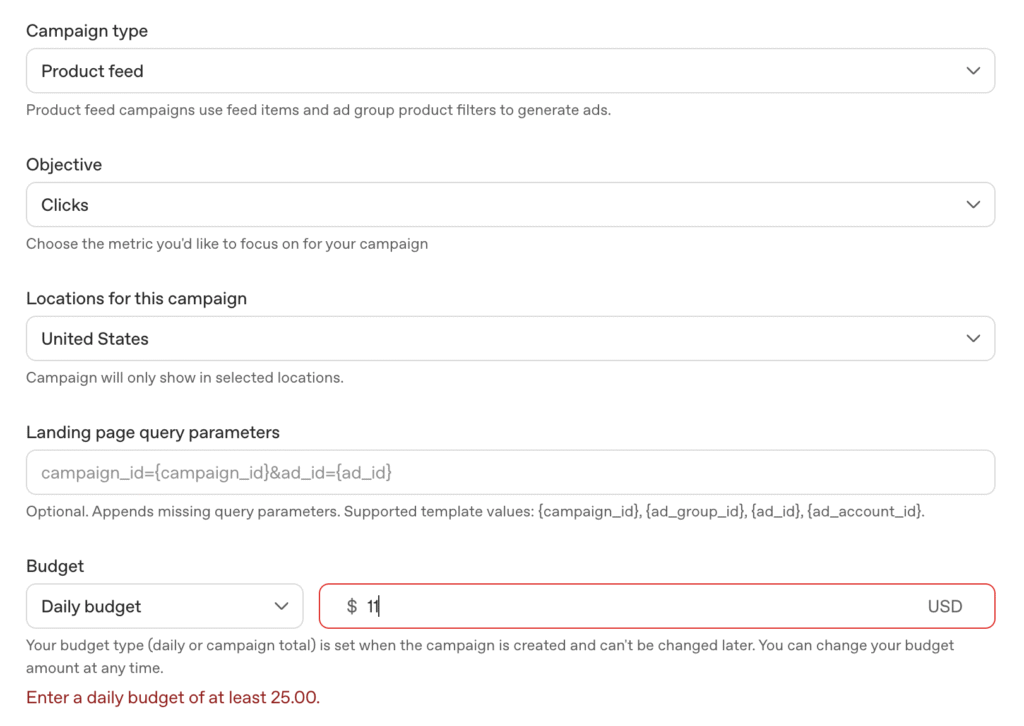
- Minimum daily budget appears to be approximately $25 per day
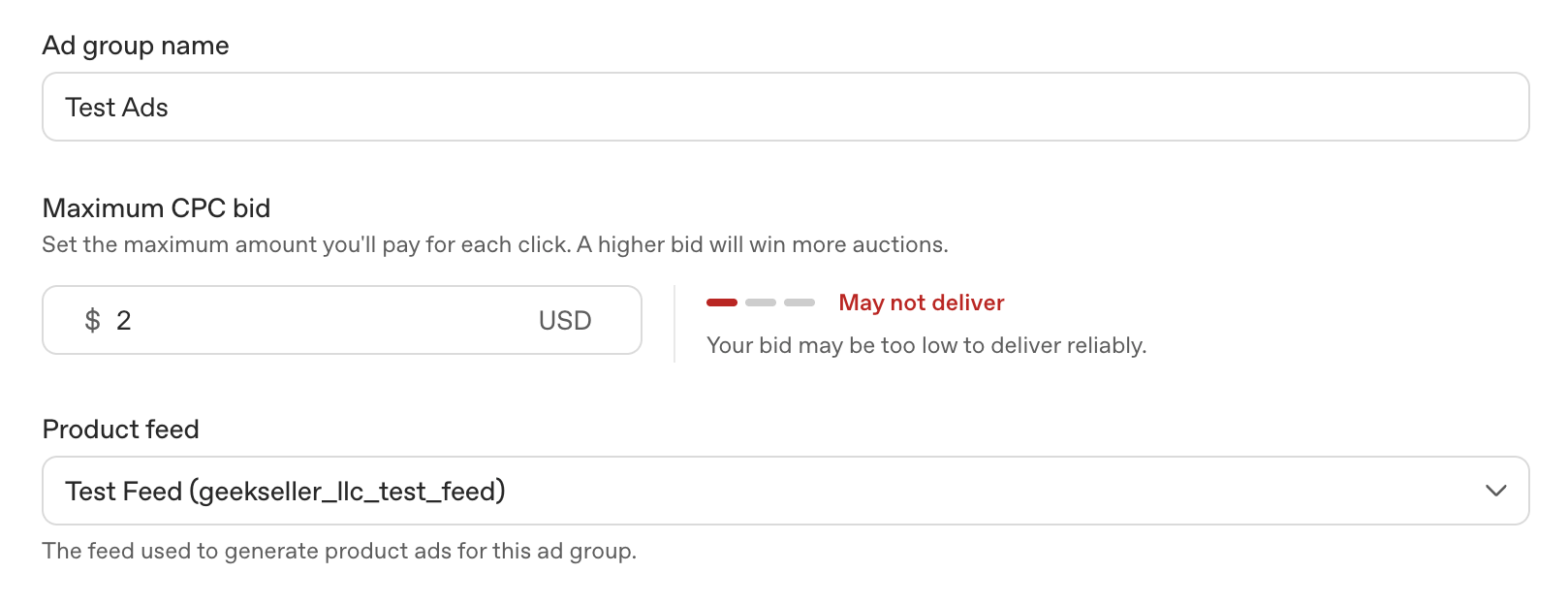
- Recommended bids start around $3
- Bids below $2 may receive little or no traffic
As competition increases, these numbers may change.
How to Launch Product Feed Ads
OpenAI’s campaign setup process is fairly straightforward:
Step 1: Create a Product Feed
- Create a feed in Ads Manager
- Configure feed settings
- Receive SFTP credentials
Step 2: Configure Feed Delivery
- Connect using SFTP or API
- Upload product catalog
- Validate feed structure
Step 3: Upload and Validate
- OpenAI processes the feed
- Products are reviewed
- Eligible products become available for campaigns
Step 4: Create a Campaign
- Choose Product Feed campaign type
- Set budget and bidding
- Configure targeting
Step 5: Create Ad Groups
- Select products
- Apply filters
- Organize products into groups
Step 6: Build Ad Templates
- Configure ad creative
- Review product previews
- Verify titles, descriptions, and images
Step 7: Review and Launch
- Confirm settings
- Review products
- Launch campaign
Why This Matters for eCommerce Sellers
ChatGPT is rapidly becoming a product discovery platform.
Product feed advertising gives merchants a way to:
- Reach shoppers directly in ChatGPT
- Promote entire product catalogs
- Keep inventory and pricing updated automatically
- Participate in AI-powered shopping experiences
- Potentially drive high-intent traffic from conversational search
The feed requirements are surprisingly manageable, especially for sellers that already maintain feeds for Google Shopping, Amazon, Walmart Marketplace, or Meta.
GeekSeller Can Help
GeekSeller can help merchants:
- Generate OpenAI-compatible product feeds
- Automatically push feeds via API or SFTP
- Validate product data
- Keep catalogs synchronized
- Configure and optimize OpenAI ad campaigns
If you are interested in advertising products inside ChatGPT, contact GeekSeller and our team can help you get started with feed creation, onboarding, and campaign setup.
