





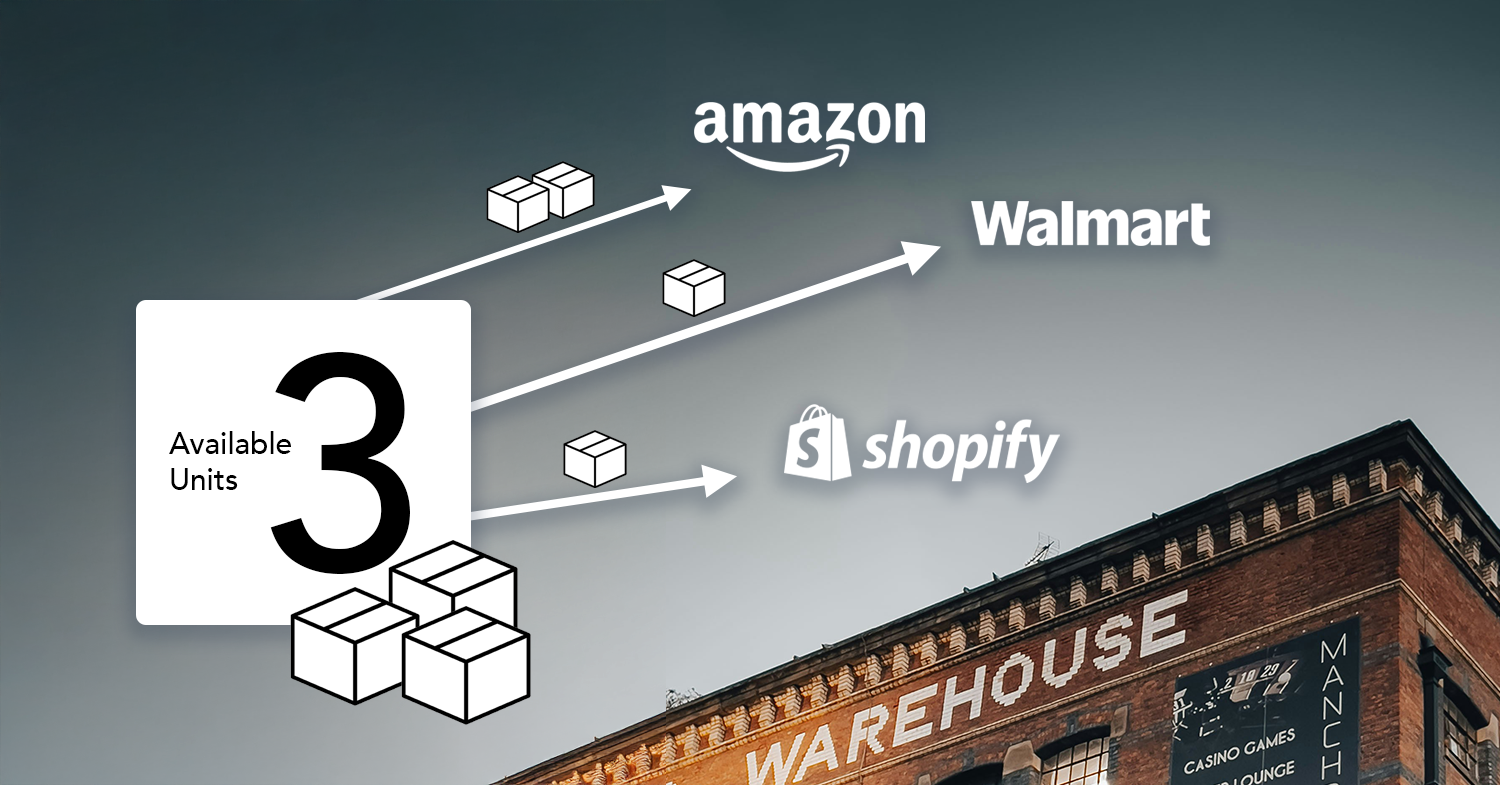
We’ve redesigned our Quantity Rules feature and made it available to all users. This functionality has been part of our system for some time, but it required support assistance to configure. Now, with the new redesign, you can create and assign rules directly from your GeekSeller interface.
Quantity Rules allow you to control how much inventory is sent from specific warehouses to specific marketplaces. You can set fixed quantities and define conditions, such as sending quantity 0 when stock drops below a certain level. This helps prevent overselling, protect stock for priority channels, and manage inventory distribution more strategically.
The updated interface is located under Inventory > Quantity Rules. From there, you can create rules, assign them to selected warehouses and marketplaces, and apply them to specific SKUs or all products within a warehouse.
If you need detailed step-by-step instructions, please visit our Knowledge Base for the full guide.

Quantity Rules Adjustment is not just a small update. It connects directly to how we think about ecommerce inventory management software and how sellers actually operate every day.
If you are doing dropshipping, you already know the biggest risk is overselling. Supplier feeds are not always real-time. Quantities change fast. One delay and you sell something that is no longer available. This feature helps you control that risk. Instead of publishing full supplier stock, you can define your own rules and limit what marketplaces see.
You can set inventory thresholds that automatically zero out quantity when stock drops below a certain level. Or you can keep a fixed visible quantity even if the supplier has more. Combined with low stock email alerts, this creates a strong safety system. You get notified early, and your listings adjust before there is a problem.
For sellers using multiple suppliers or selling on multiple channels, this is especially important. Good ecommerce inventory management software is not only about syncing data. It is about controlling exposure and reducing operational mistakes.
There is also a strategic angle here. Keeping visible inventory low can increase urgency. This is basic scarcity marketing. When customers see “only a few left,” they are more likely to buy now instead of waiting. It creates FOMO. With Quantity Rules Adjustment, you can control displayed stock levels without fully revealing your real inventory. Scarcity can increase urgency, but use it carefully. Some marketplaces prefer listings with higher available quantities, and sellers with larger visible inventory may receive better ranking and exposure.
