





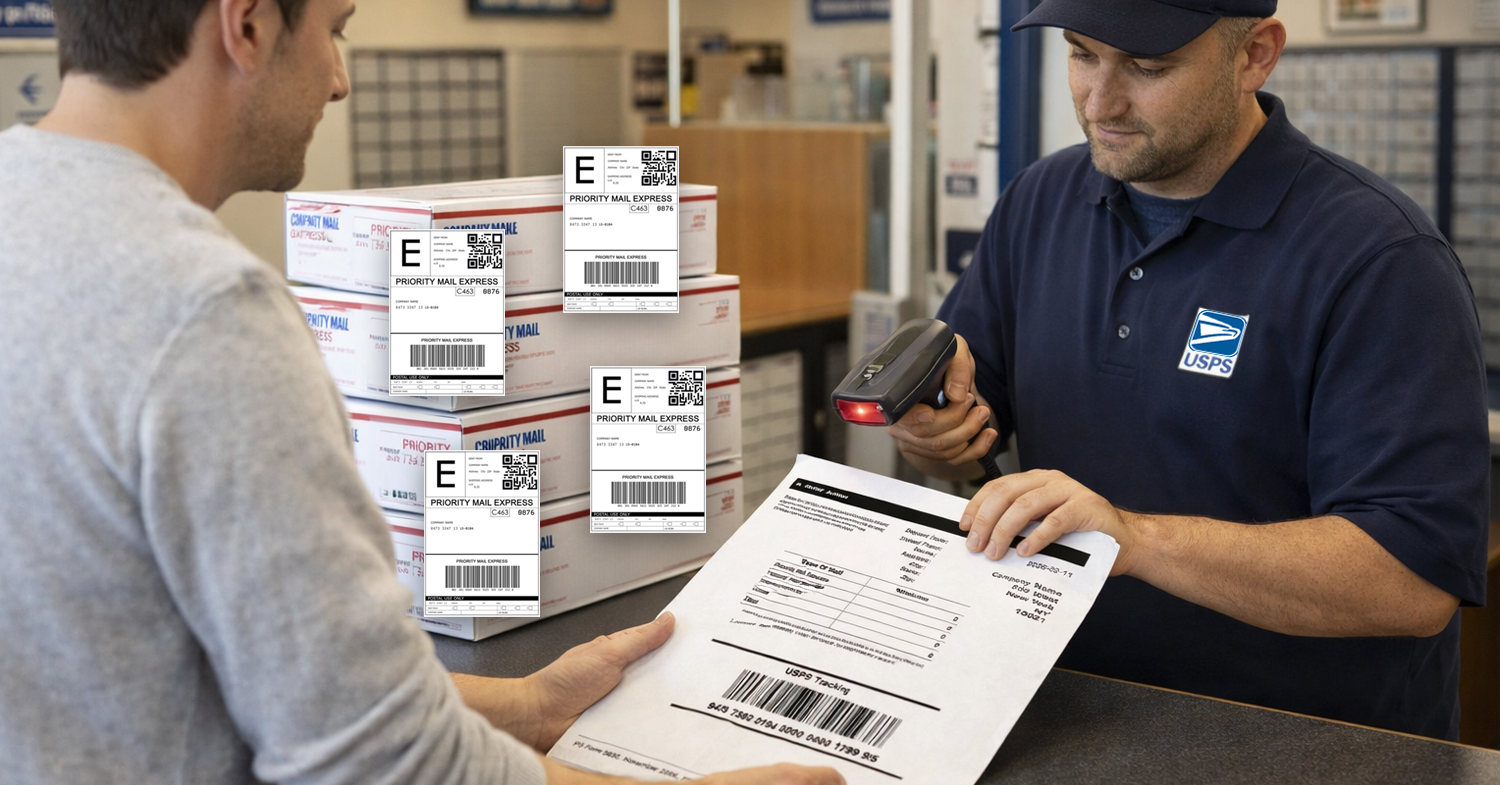
Marketplaces like Amazon, Walmart, and eBay closely monitor shipment performance. Having a confirmed USPS acceptance scan helps protect your On-Time Shipment Rate, improves tracking visibility, and strengthens overall account health. To make this process more reliable and efficient, we’ve added support for USPS End of Day Scan for USPS labels generated through our EasyPost integration.
What is USPS End of Day Scan?
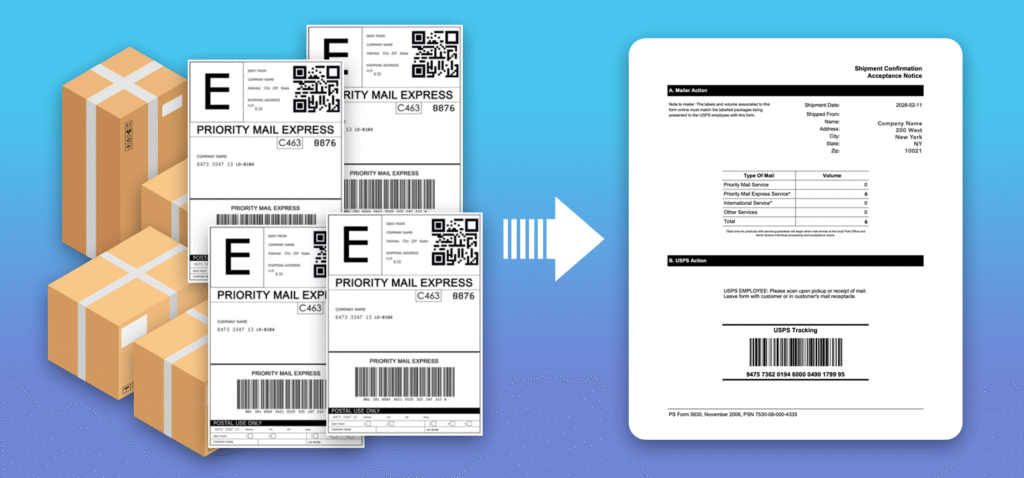
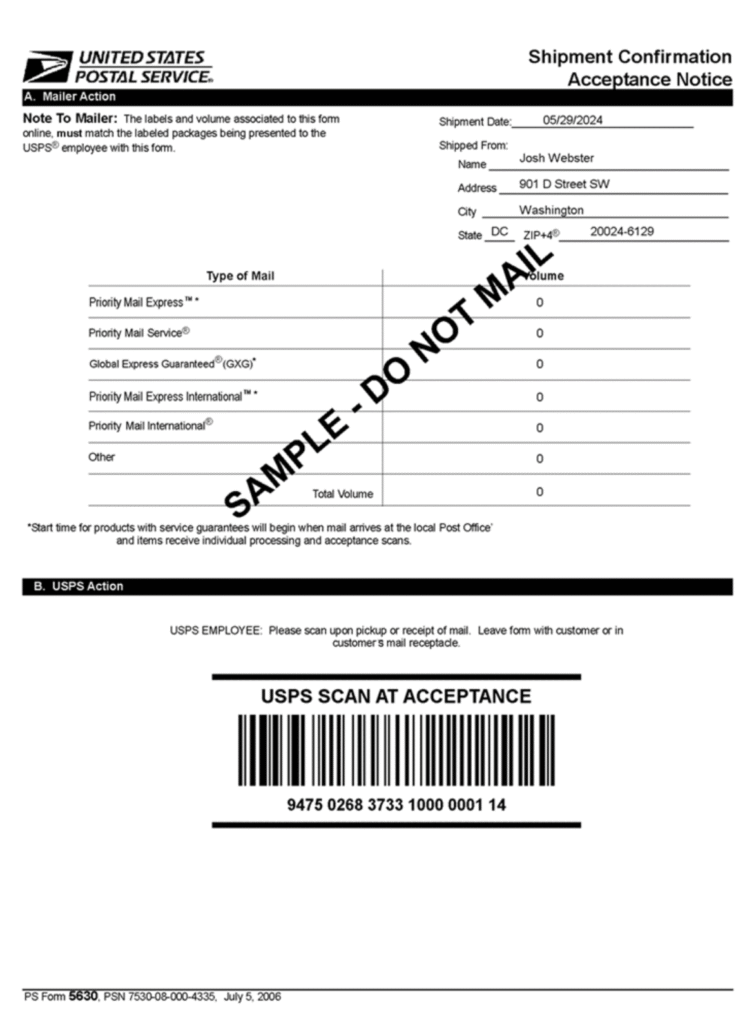
An End of Day Scan is also known as USPS End of Day Form, PS Form 5630, USPS Manifest, and a SCAN Form (stands for Shipment Confirmation Acceptance Notice). It allows you to group multiple USPS shipments into one single barcode. When USPS scans that barcode, all included packages are marked as accepted at once.
This is especially useful if you ship multiple packages per day.
How It Works in GeekSeller
If you generate USPS labels through our EasyPost integration, you can now create a single End of Day Scan form for all eligible labels created that day.
The process to generate your End of Day Scan form:
- Generate your USPS labels as usual.
- At the end of the day, create a SCAN Form.
- Print the form (PDF).
- USPS scans the single barcode when picking up or when you drop off shipments.
Once scanned, all packages included in the form are officially marked as accepted by USPS.
For step-by-step instructions and additional details, please see our Knowledge Base.
Benefits of Using End of Day Scan
- Faster USPS Acceptance
Instead of scanning each package individually, USPS scans one barcode. This saves time during pickup or drop-off. - Clear Proof of Acceptance
All included shipments receive an official acceptance scan. This is important for:- Marketplace performance metrics
- On-time shipment validation
- Buyer trust
- Dispute protection
- Reduced Risk of Missing Scans
- Without a SCAN Form, packages may not get an immediate acceptance scan. This can affect tracking visibility and performance metrics. A single End of Day Scan reduces this risk.
- Better Operational Efficiency
If you ship in volume, this simplifies your daily workflow and reduces manual handling time at USPS counters.
Seller FAQ
USPS SCAN Form (Shipment Confirmation Acceptance Notice)
- What is the SCAN form?
The SCAN form, also called PS Form 5630, is a single barcode form that links all your prepaid packages for that day. When USPS scans this one barcode, every linked package gets an “Acceptance” scan. - Why should I use a SCAN form?
It gives you proof that USPS accepted your shipment. This improves tracking visibility and helps you show customers that orders were shipped. - How do I get a SCAN form?
You generate it online through a PC Postage system, such as Click-N-Ship or other shipping platforms, such as GeekSeller. It is created at the end of your label process. - Do I need it if I ship only one package?
Yes. Even for one package, the SCAN form ensures you get the Acceptance scan. - Do I need to wait in line at the Post Office?
Not necessarily. You can: Give packages to your carrier, schedule a pickup, drop off at the back dock, or bring them to retail. If you go to the retail counter, you may need to wait for the next available associate. - What happens when USPS scans the SCAN form?
When the barcode on PS Form 5630 is scanned, all linked packages receive an “Acceptance” tracking event. You can view this by tracking each package’s individual label number online. - Can I add more packages after printing the SCAN form?
No. Once you close and print the form, it cannot be edited. If needed, you must create a new SCAN form. - Is there a limit to how many packages I can link?
No. There is no package limit. - Do all packages on one SCAN form need to match?
Yes. They must have: The same ship date and the same shipping-from ZIP Code. - What if the number of packages on the form does not match what I drop off?
USPS will still scan and accept the shipment. They are not required to count each package, but large differences may be reported internally. - Does one scan replace scanning each package?
It replaces the initial Acceptance scan only. Additional scans during transit are still product-specific. Guaranteed services may still require individual handling. - Is a SCAN form required?
No, but it is strongly recommended if you want a clear Acceptance event for your daily shipments.
