




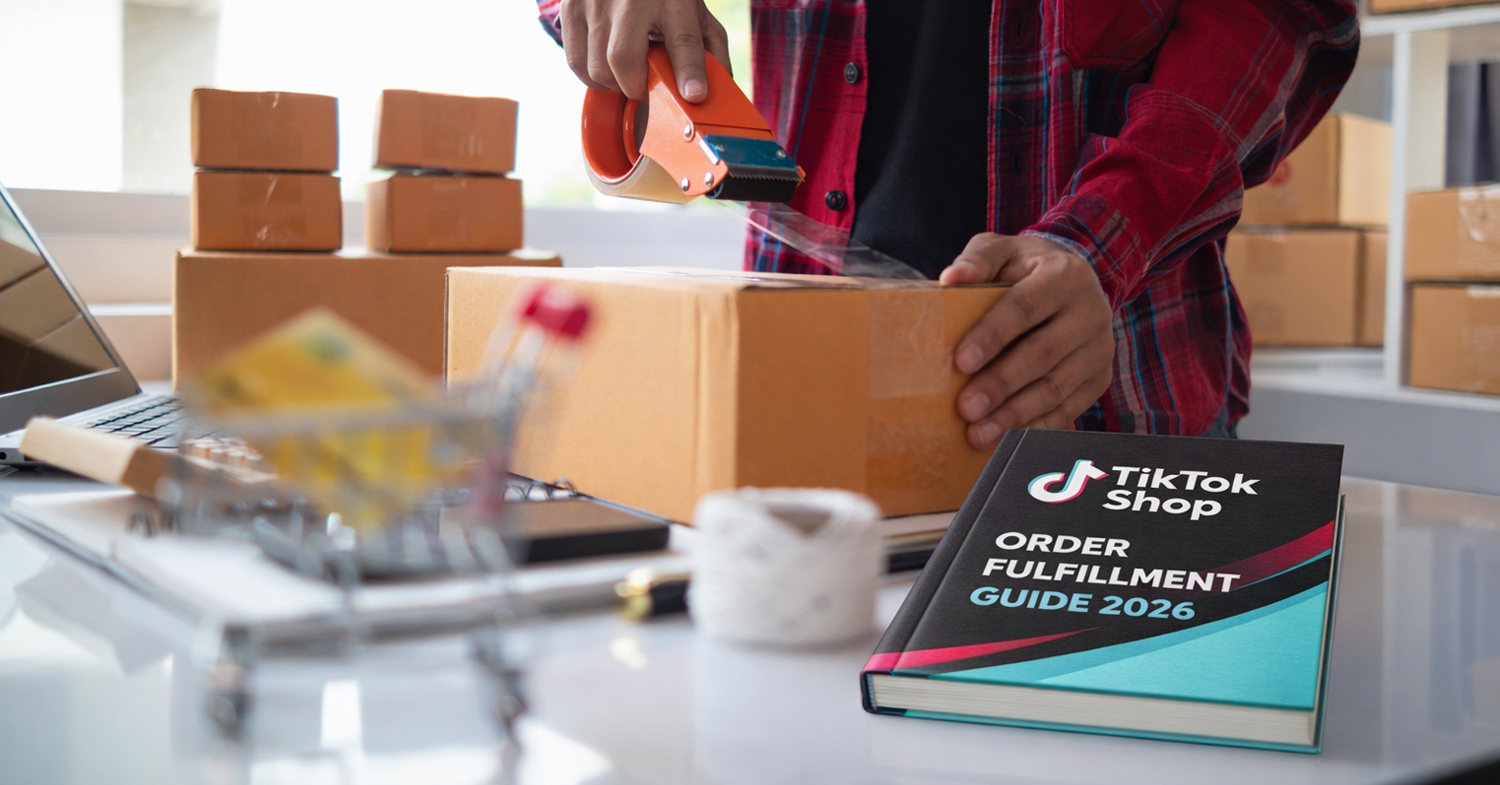
In 2025 and 2026, TikTok Shop introduced major changes to its shipping policies, including stricter requirements and higher standards. In this article, we outline all available ways sellers can fulfill TikTok Shop orders, including both manual and automated options, their processes, pros and cons, and implementation steps.
A few important things:
- Starting February 2026, sellers using USPS to ship orders can only use USPS labels provided by TikTok through TikTok Shipping. This means that if you use any third-party provider, you need to ensure they follow this rule. Otherwise, avoid using USPS entirely.
- There was also confusion around TikTok Seller Shipping. The option was initially introduced and then removed. However, in February 2026, this option was reinstated. Sellers can now use their own labels, as long as they do not use their own USPS labels.
Let’s start with the three available shipping settings:
- Fulfilled by TikTok (FBT): Similar to Amazon FBA and Walmart WFS. TikTok stores your products and ships them when orders arrive.
- TikTok Shipping: Designed for sellers who want to handle fulfillment themselves. This option lets you use the shipping labels provided by TikTok. You are still responsible for picking, packing, and shipping.
- Seller Shipping: Instead of using labels provided by TikTok, you are responsible for purchasing labels directly from shipping carriers and handling fulfillment. You cannot use USPS; you must select a TikTok-approved carrier for each order.
Below is a deeper look at your options:
(1) Automated fulfillment with Amazon FBA/MCF and Walmart WFS/MCS
If you want a fully automated solution and already sell on Walmart or Amazon, GeekSeller supports automation using Amazon Multi-Channel Fulfillment (MCF) and Walmart Fulfillment Services (WFS) through Multichannel Solutions (MCS). Both provide multichannel fulfillment with unbranded packaging and fast shipping.
To fulfill TikTok Shop orders through Amazon or Walmart, you will select Seller Shipping as your TikTok fulfillment option (this is because labels will be generated by the fulfillment centers using their own shipping carriers). However, the steps to automate it are a bit more complex. To comply with TikTok’s USPS restrictions, proper configuration is required. For Amazon, this means using AFTN tracking. For Walmart, the correct Preferred Carrier settings must be selected. For setup instructions, refer to our knowledge base articles on connecting Amazon and Walmart with TikTok via GeekSeller.
(2) TikTok Shipping
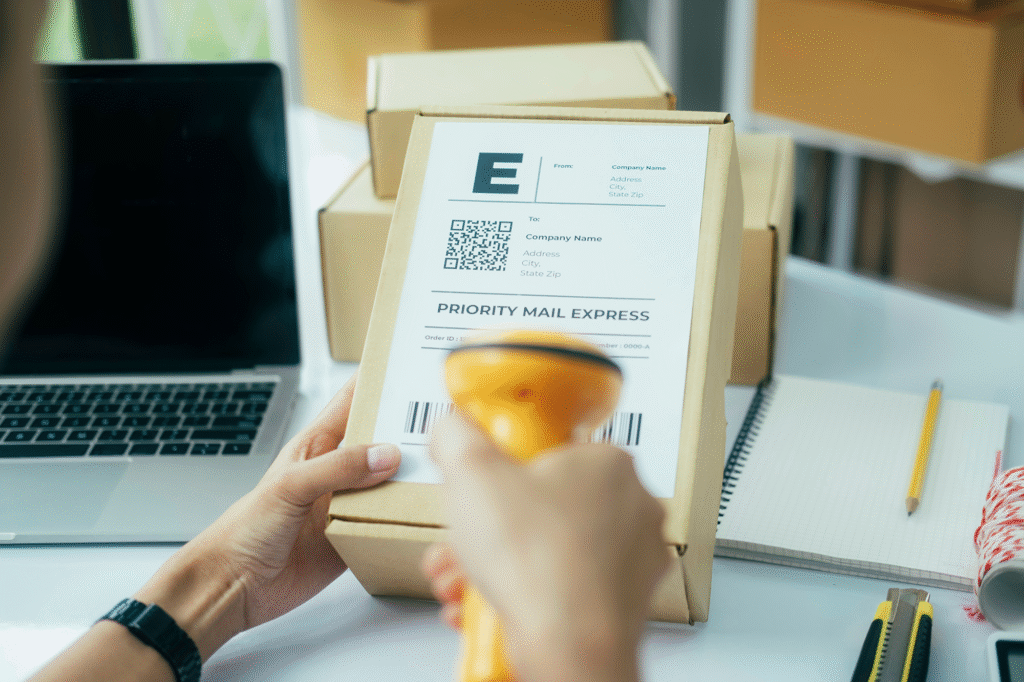
Some sellers prefer to manage fulfillment themselves using TikTok Shipping. When an order comes in, TikTok provides a prepaid label. You download it, print it, pack the order, attach the label, and drop it off or schedule a pickup.
(3) Seller Shipping (self-fulfillment with your own carrier or GeekSeller rates)
Seller Shipping option lets you use your own carrier accounts or take advantage of discounted shipping rates available through GeekSeller. Keep in mind that USPS is not allowed, and you must select from TikTok-approved carriers for each order. GeekSeller provides a list of supported carriers directly in the interface.
(4) Third-Party Logistics (3PL) providers
Outsourcing fulfillment to a 3PL allows you to scale operations by leveraging external storage, packing, and shipping. This is useful if you sell across multiple channels.
Make sure your 3PL understands TikTok’s USPS limitations. They must either use TikTok Shipping with TikTok-provided labels or operate under Seller Shipping using approved carriers only.
(5) Fulfilled by TikTok (FBT)
With FBT, you send inventory to TikTok warehouses, and TikTok handles storage, picking, packing, and shipping. While this provides strong operational support and buyer protection, it does not support multichannel fulfillment. Inventory stored with TikTok can only be used for TikTok Shop orders.
Contact us for details on our integrations and how we can help TikTok sellers automate shipping and reduce costs.
